Apple Wallet ยท Google Wallet

Your loyalty programme, already on every phone.

NexWallet turns coupons, loyalty cards, event tickets and memberships into digital wallet passes your customers add in one tap. No app to build, no app to install โ€” just a link, a QR code and a scanner that works on any phone.

Free while you set up ยท No credit card required

Hero โ€” two phones showing a pass in Apple Wallet and Google Wallet
Delivers to Add to Apple Wallet Add to Google Wallet

Live in an afternoon

Four steps from empty account to passes in your customers' pockets.

1

Design your pass

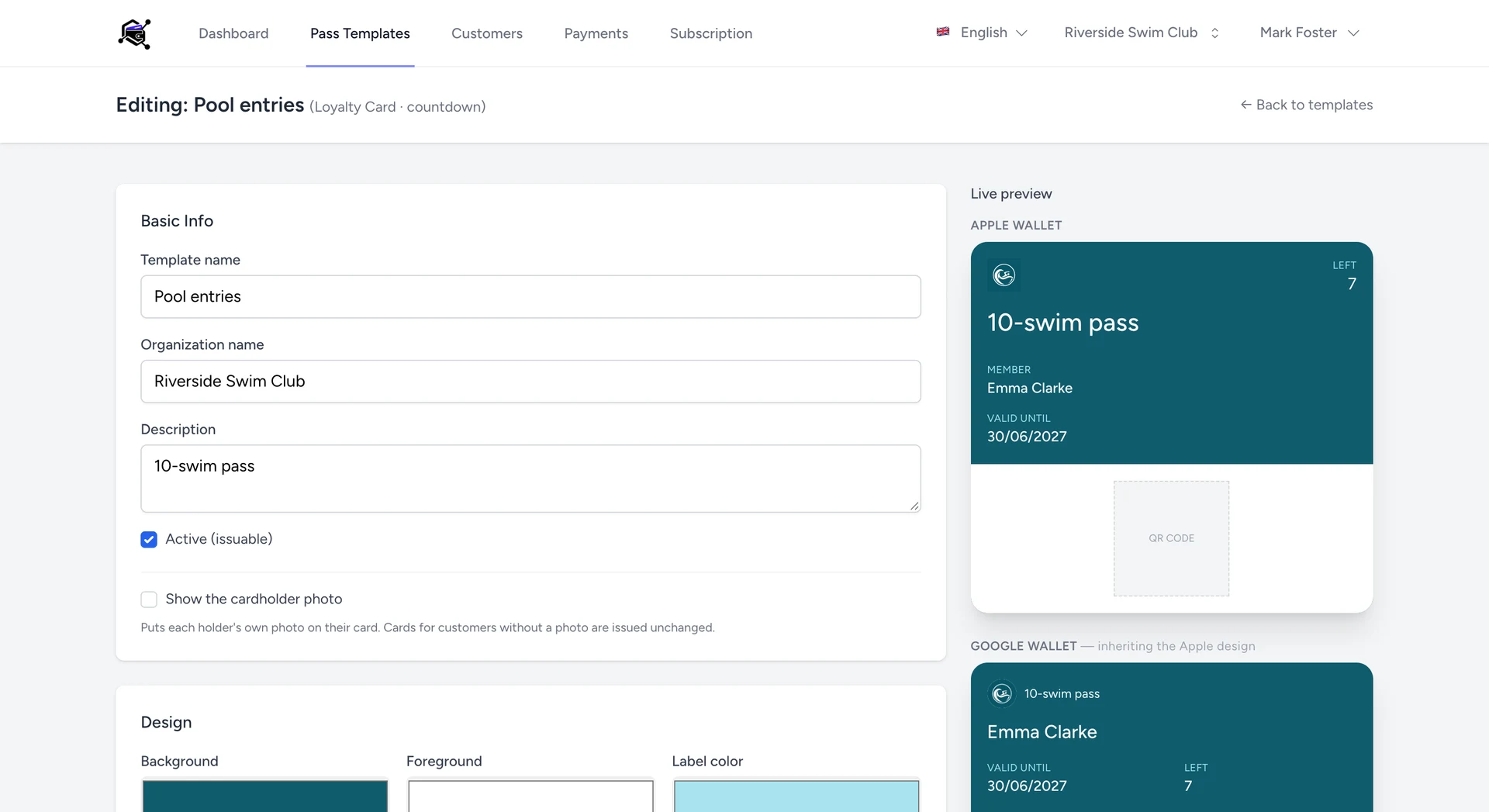
Pick a type, set your colours and logo, and choose which fields show on the front and back. A live preview shows exactly what the customer will see.

2

Add your customers

Add people one by one, or import a whole spreadsheet โ€” names, emails and membership IDs โ€” and issue a pass to everyone at once.

3

Share the link

Each pass gets its own claim page. Send it by email or SMS; the customer taps once and it lands in their wallet.

4

Scan and redeem

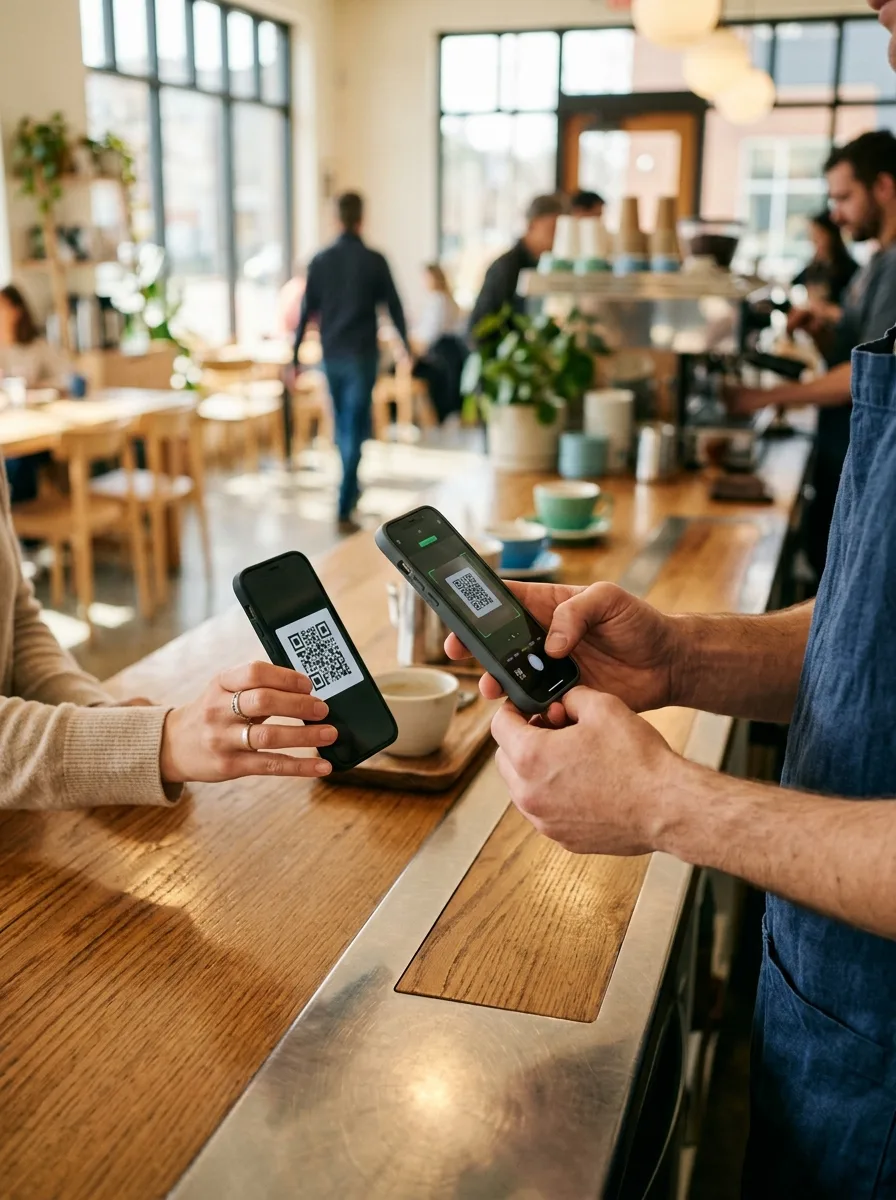
Open the scanner link on any phone โ€” no login, no install โ€” point it at the QR code and redeem, stamp or check in.

Screenshot โ€” the pass template editor with live preview

Four pass types, one dashboard

Each type comes with the rules and redemption logic already built in.

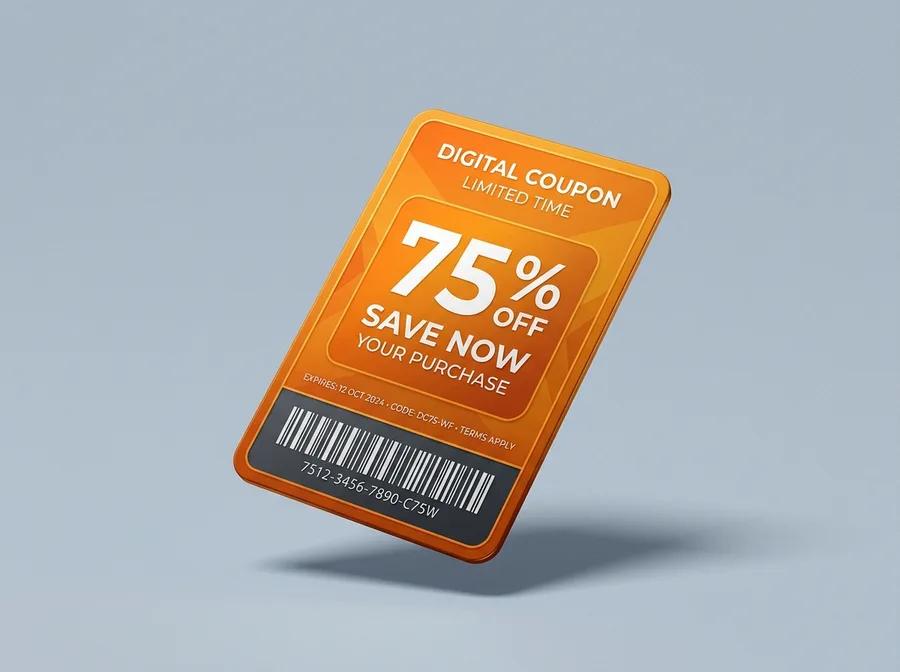
Coupons pass mockup

Coupons

Percentage or fixed-value discounts with an expiry date. One scan marks it redeemed so it can never be used twice.

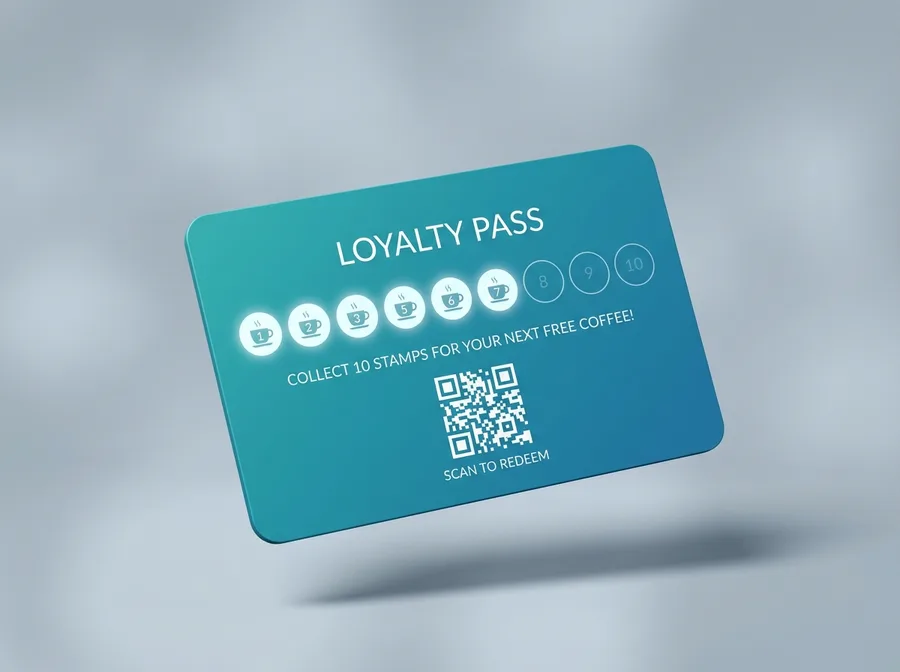
Loyalty cards pass mockup

Loyalty cards

Stamp or point cards that count up with every scan and unlock the reward automatically when the target is reached.

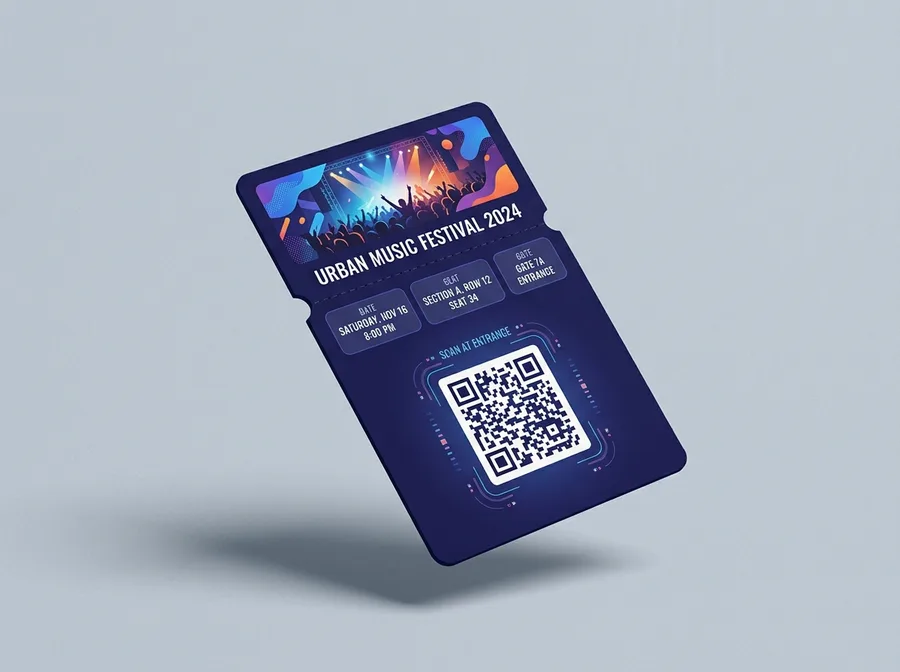
Event tickets pass mockup

Event tickets

Seat, date and venue on the front, check-in at the door. Every ticket is checked in exactly once.

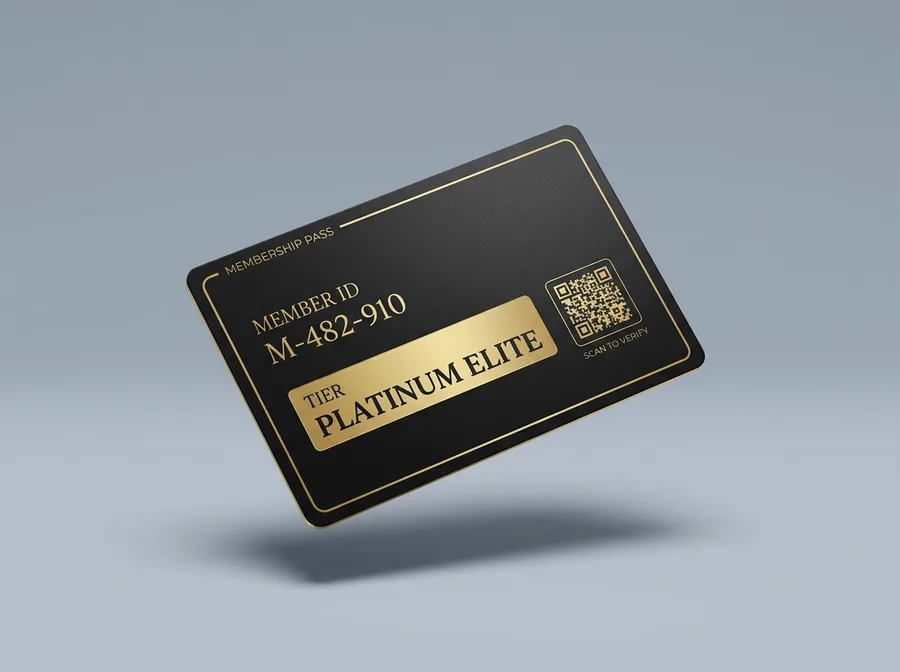
Membership cards pass mockup

Membership cards

Tiered memberships with unique member IDs, renewal dates and instant revocation when someone cancels.

Everything the day-to-day needs

The unglamorous parts โ€” imports, scanning, exports โ€” are the parts we built first.

Scanner on any phone

A shareable scanner link your staff open in a browser. No accounts, no app store, no hardware. Scope it to one programme or let it recognise every pass you issue.

Spreadsheet import

Drop in an Excel or CSV file, preview every row with its errors highlighted, then issue passes to the whole list in one go.

Passes that update themselves

Change a balance, a tier or an expiry date and the pass already in the customer's wallet updates โ€” no re-download, no new link.

Exports and reporting

Download issued passes with their status, redemption counts and dates whenever you need them for accounting or a campaign review.

Photo โ€” staff member scanning a customer's phone at a counter

Built for businesses that see their customers in person

If you hand out cards, stamps or paper tickets today, this replaces them.

Cafรฉs & restaurants

Cafรฉs & restaurants

Stamp cards that survive the washing machine.

Gyms & studios

Gyms & studios

Memberships with renewal dates and instant revocation.

Retail & salons

Retail & salons

Seasonal coupons that expire on their own.

Events & venues

Events & venues

Tickets checked in at the door in a second.

Clubs & associations

Clubs & associations

Member IDs issued to a whole roster at once.

Local services

Local services

Prepaid visit cards counted down per scan.

Questions, answered

Do my customers need to install anything?
No. Apple Wallet and Google Wallet are already on the phone. Your customer opens your link and taps "Add" โ€” that's the whole flow.
What do I need to scan passes?
Any phone with a camera and a browser. Open the scanner link you share with your staff and point it at the QR code on the customer's pass.
Can I change a pass after I've issued it?
Yes. Balances, tiers, expiry dates and even the design update on passes already sitting in a customer's wallet.
What if someone tries to reuse a coupon?
They can't. A redeemed coupon, a checked-in ticket and a claimed reward are all marked as used the moment they're scanned, and the scanner says so on the next attempt.
Can I move my existing customer list over?
Import an Excel or CSV file with names, emails and membership IDs. You'll see a preview with any problem rows flagged before anything is issued.

Issue your first pass today

Create a template, send yourself the link, and watch it land in your own wallet. It takes about five minutes.